


-
Hi @PavelS
I was finally able to test the CSS.
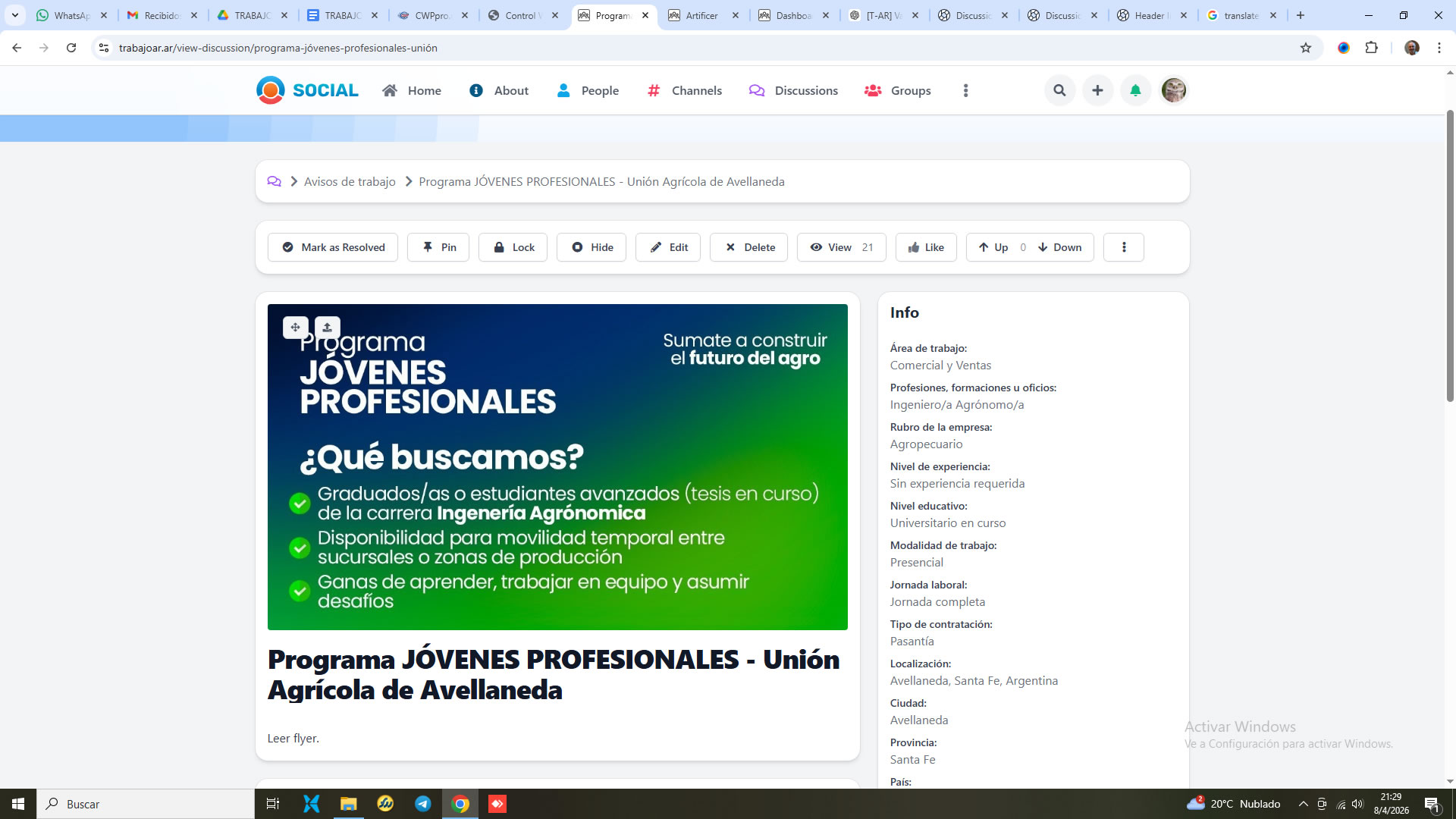
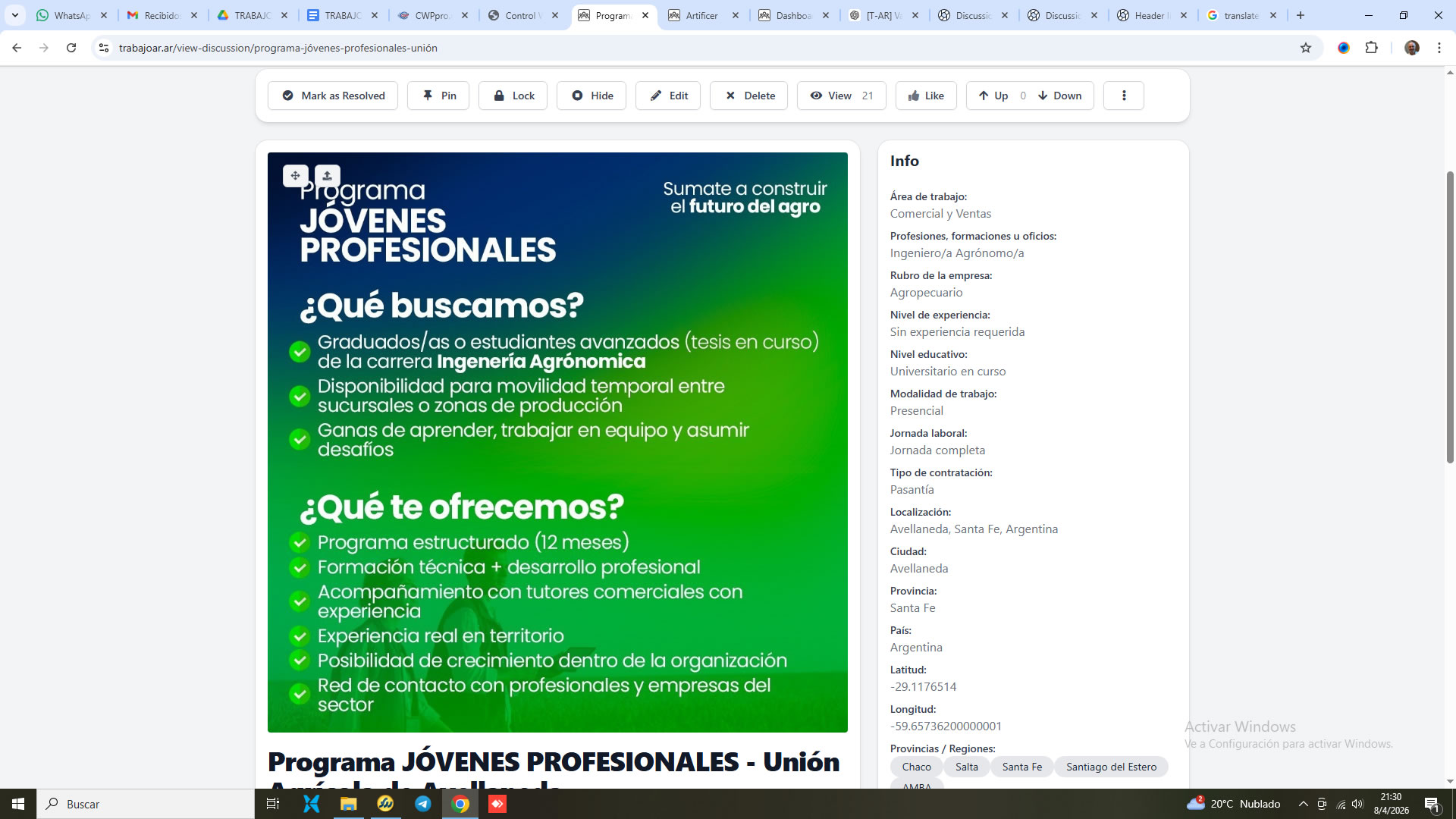
Now the image is a little more visible, but not completely. I've attached a screenshot of before and after.
What I don't understand is why the image isn't fully visible. Is there a purpose to it, or is it a bug?
Regards.
-

Hi @Claudio Acosta No, i think it's not a bug.. You need it to look like the screenshot, right?
Go to the page with the image and press F12, click on "Console" at the top, and paste this --
const style = document.createElement('style');
style.innerHTML = `
  .bx-base-text-entity-image img[class*="bx-image-edit-source"] {
    background-size: contain !important;
    background-repeat: no-repeat !important;
    background-position: center !important;
    height: 420px !important;
    aspect-ratio: 3 / 4 !important;
  }
`;
document.head.appendChild(style);
(height: 420px) -- adjust this as needed; I'd go with 650px, and then let me know, and I'll write the code for Artificer-Injection
-
Hi @PavelS
The idea is for the image to fill the entire width of the container.
The problem is that in the latest versions of UNA, this works differently. It's not the same as, for example, version 13, where the image is displayed in full and fills the entire width of the container.
I also arrived at the same result you did, but I'm not visually convinced, and in some cases, like the blue flyer, it makes it difficult to read.
I still don't understand the purpose of not displaying the full image, because there's surely some benefit that I'm probably missing.
Now I'm going to try replacing UNA's behavior and using <img src="real"> with a js script, only for the view-discussion page.
Thanks for your reply.
-
Comment 'Hi @PavelS I was f...' to 'Header Image in Discussions'
Comment to Header Image in Discussions

 antes.jpg
  despues.jpg
  full_image.jpeg