My initial intention was to prevent unauthenticated users from seeing the image, and you showed me how to do that.
What I want to know is what I should change in the script if I want them to not see any content posted by "update"—that is, a link, a video, a file, an image.
To hide the attachments form the "Update" (Timeline) area you may use the same code with the "#bx-timeline-main-timeline-feed .bx-tl-item-attachments" selector. For the links you may use smth like:


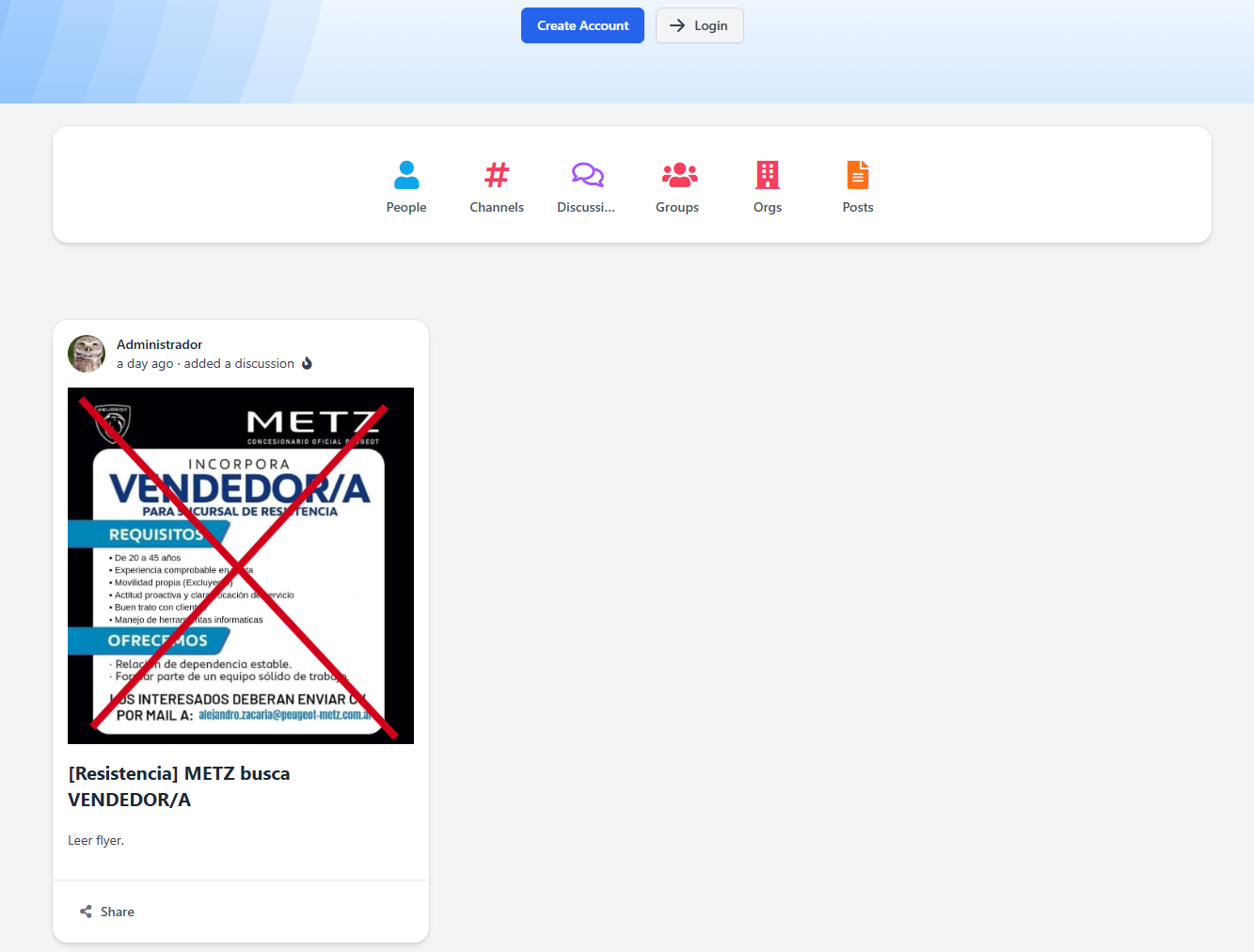
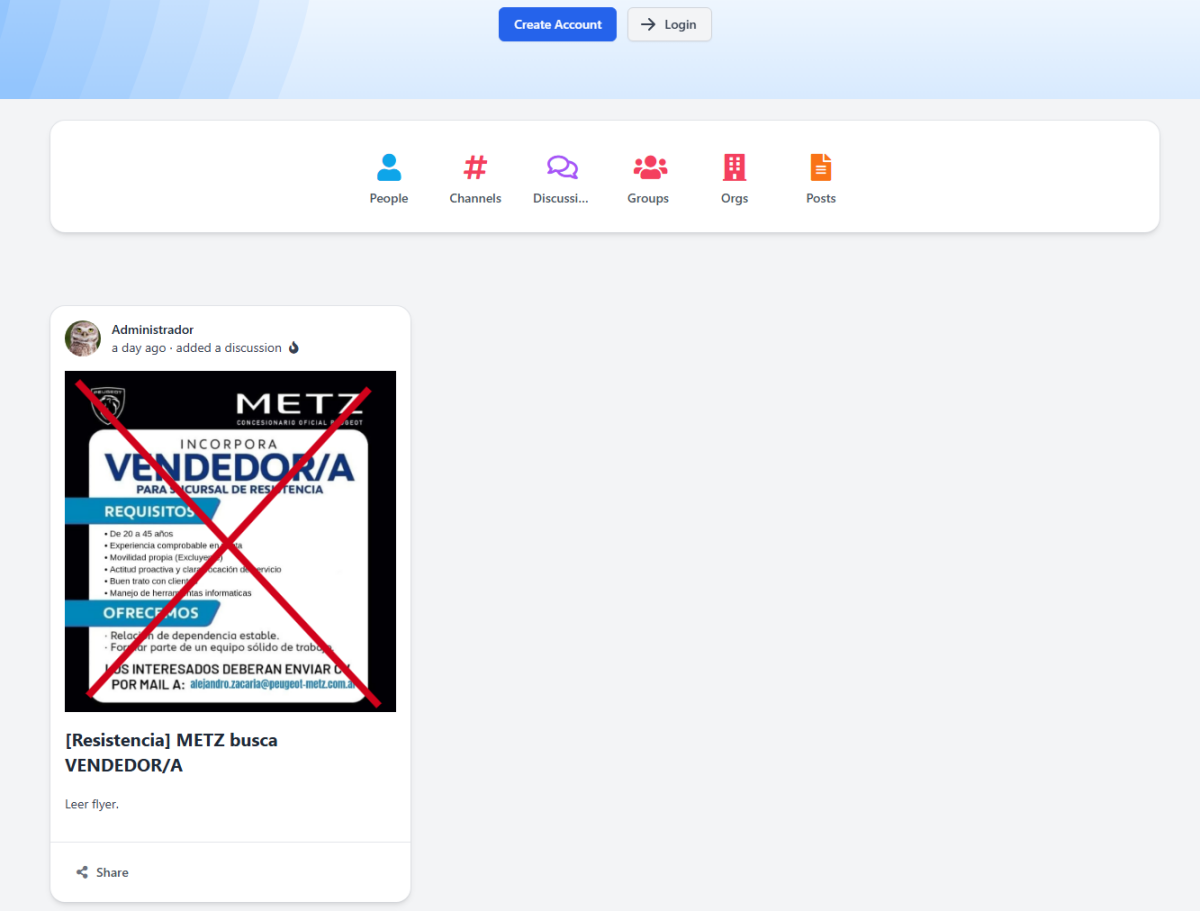
Hello @Claudio Acosta !
You may create the RAW block with the JavaScript code which removes the images from the forum code. It will look like:
<script>
$("#bx-grid-table-bx_forum .bx-base-pofile-unit-thumb").remove();
</script>
Put it after all blocks on the necessary page and make it Visible only for Unauthenticated users.
Hi @LeonidS
Thanks, I'll try it.
And if I wanted to do something similar with the "updates," but not display the updates themselves, what class would I use?
Also, wouldn't it be better to put the CSS in Designer-Injections-HEAD? Or would that be the same?
Thank you very much.
Could you please specify about "updates"?
About Injectuions - well, this script will be useless in many pages, so it is better to put it to the certain pages I guess.
Hi @LeonidS
My initial intention was to prevent unauthenticated users from seeing the image, and you showed me how to do that.
What I want to know is what I should change in the script if I want them to not see any content posted by "update"—that is, a link, a video, a file, an image.
Thanks.
To hide the attachments form the "Update" (Timeline) area you may use the same code with the "#bx-timeline-main-timeline-feed .bx-tl-item-attachments" selector. For the links you may use smth like:
<script> $("#bx-timeline-main-timeline-feed .bx-tl-item-attachments").remove(); </script>Thanks @LeonidS I'll try.