


PROBLEM! - Artificer Site Sidebar Navigation
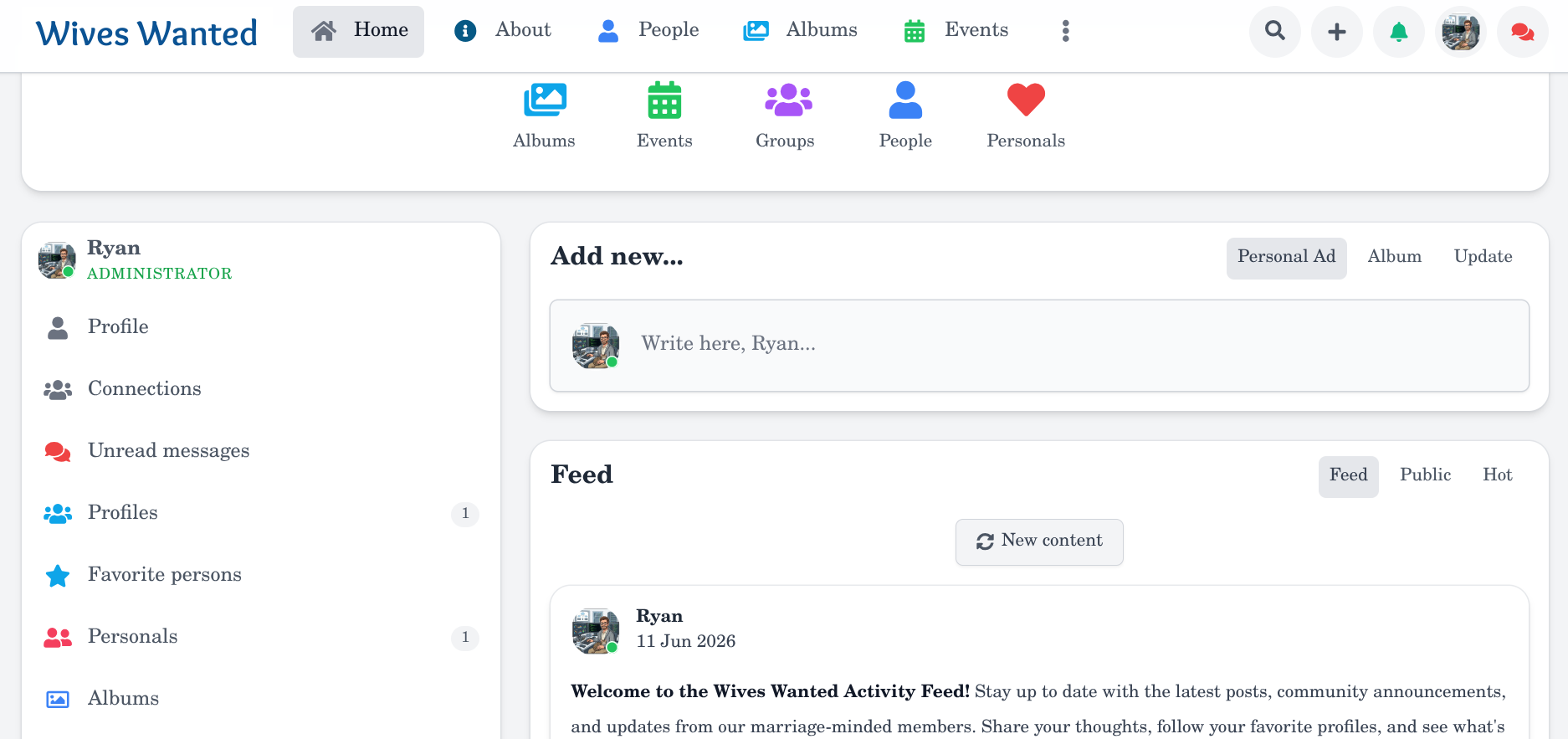
When I am logged into my installation of UNA CMS there is a menu on the left. It's call "Site Sidebar." For the past couple hours I've been going around and around trying to change the icon and the color of the icons in this side bar. Stubbornly, no matter what I try, I cannot get those icons to budge. I can change the icons easily everywhere else but to get my site to match I need to change those sidebar icons. The menu module is explicitly controlled by the Artificer theme package rather than the core System. Because you overrode the standard navigation engine, it completely ignores standard system classes like col-red1 and blocks global style overrides. Why did you hardcode asset pathing and lock users out of basic menu customization?
EXTREMELY FRUSTRATED - I've wasted a lot of time on what should be a simple "flip of the switch" ugly icon change.

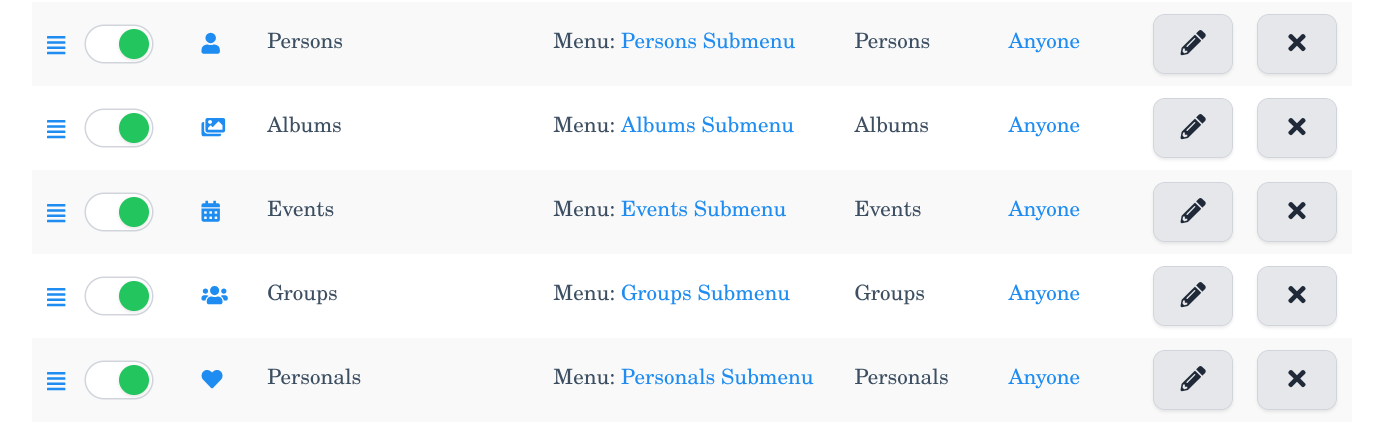
-
Hello @AdMaster22 !
The simplest way to replace the menu pic - is to upload your own icon via the Edit link. Did you try this way or it isn't acceptable for you?
-

Upload the icon in Storage and paste the link directly. right? Better use PNG.
-

Thank you for getting back to me so quickly. I am impressed with that. I've had other experiences with "those other guys" not getting back to me at all - ever. Uploading my own icons would not work for me. The reason is because the icons would not match the icons already in use on my site. It would make the site look cheap and pieced together. I am really hoping for a solution to use the standard system classes so the site flows and is color coordinated. Love UNA CMS so far.
-
Hiya AdMaster. UNA uses FontAwesome icons. As of 9.0.0-RC9 FontAwesome 5 is supported. In general the same as in FontAwesome rules of icons naming are applied in UNA.
Check your studio for Font Awesome Pro. As for the icon colors and sizing... good luck...
-
@AdMaster22 please refer to this doc on how to use icons in UNA - https://unacms.com/wiki/Icons
-
LOL... guys I KNOW how to use Icons. I've changed the icons everywhere else. The problem is with the Artificer theme overriding everything I do in the Site Sidebar.
Not to be rude, butlLike I said in my original post - "Because you overrode the standard navigation engine, it completely ignores standard system classes like
col-red1and blocks global style overrides. Why did you hardcode asset pathing and lock users out of basic menu customization?" -
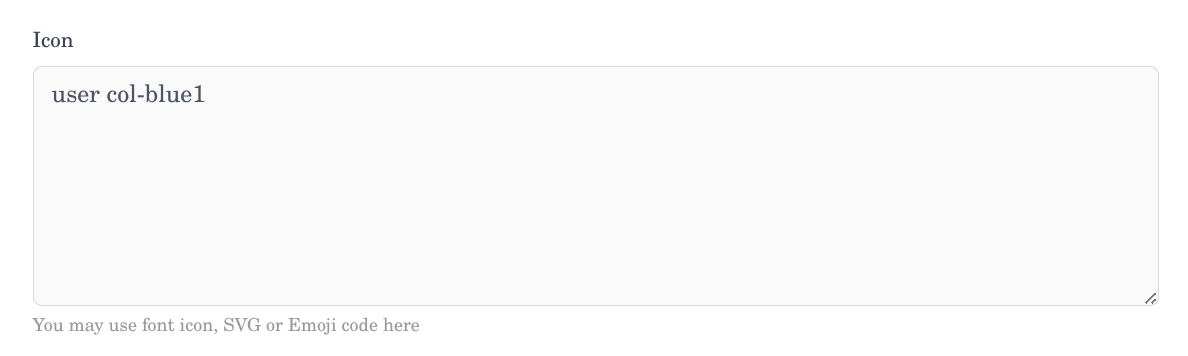
Sorry, I can't reproduce the problem, it works fine for me:
could you please specify your UNA version and a bit more detailed the steps on how to reproduce it ?
-
I have literally spent HOURS and HOURS trying to get it to work. Honestly, I am burned out with it. I don't have any more time or patience to put into it.
-
I'm glad it's working for you. Maybe it has something to do with my hosting. (Namecheap)
-
-
-
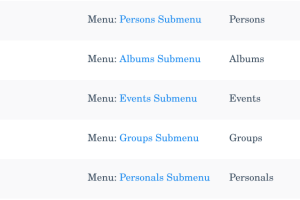
This problem has been resolved thanks to LeonidS! Thank you Leonid for your help getting me through this. I was trying to use the wrong menu! Instead of using Studio>Navigation and Site Sidebar I should have been using Studio>Navigation>Items with System (101) and Profile Stats (15). I would never have found this without your help. Thank you again!
 brave_screenshot_www.wiveswanted.com.png
 brave_screenshot_www.wiveswanted.com.png
  brave_screenshot_www.wiveswanted.com (1).png