


Streams Bugs
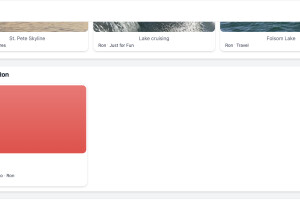
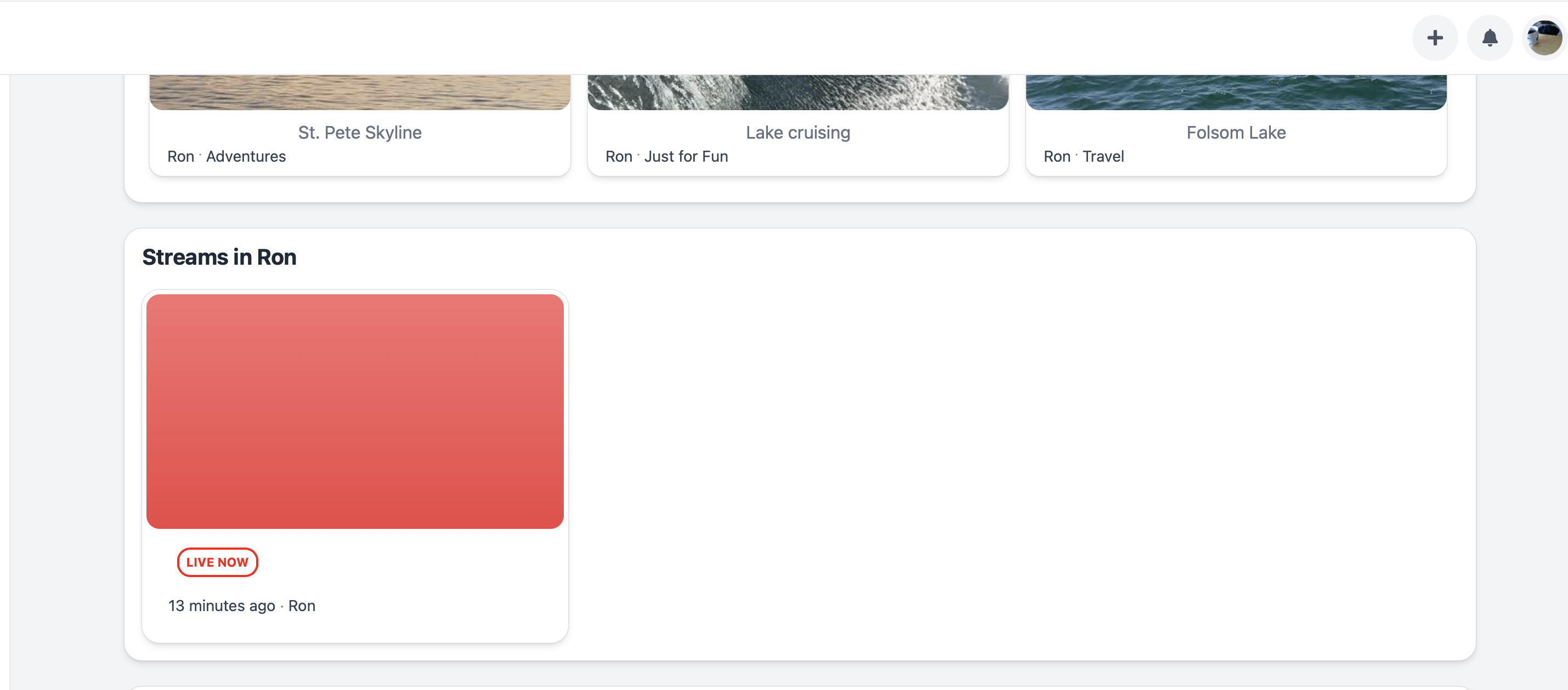
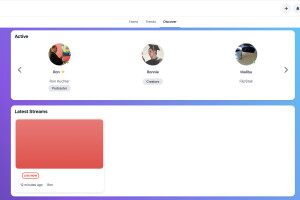
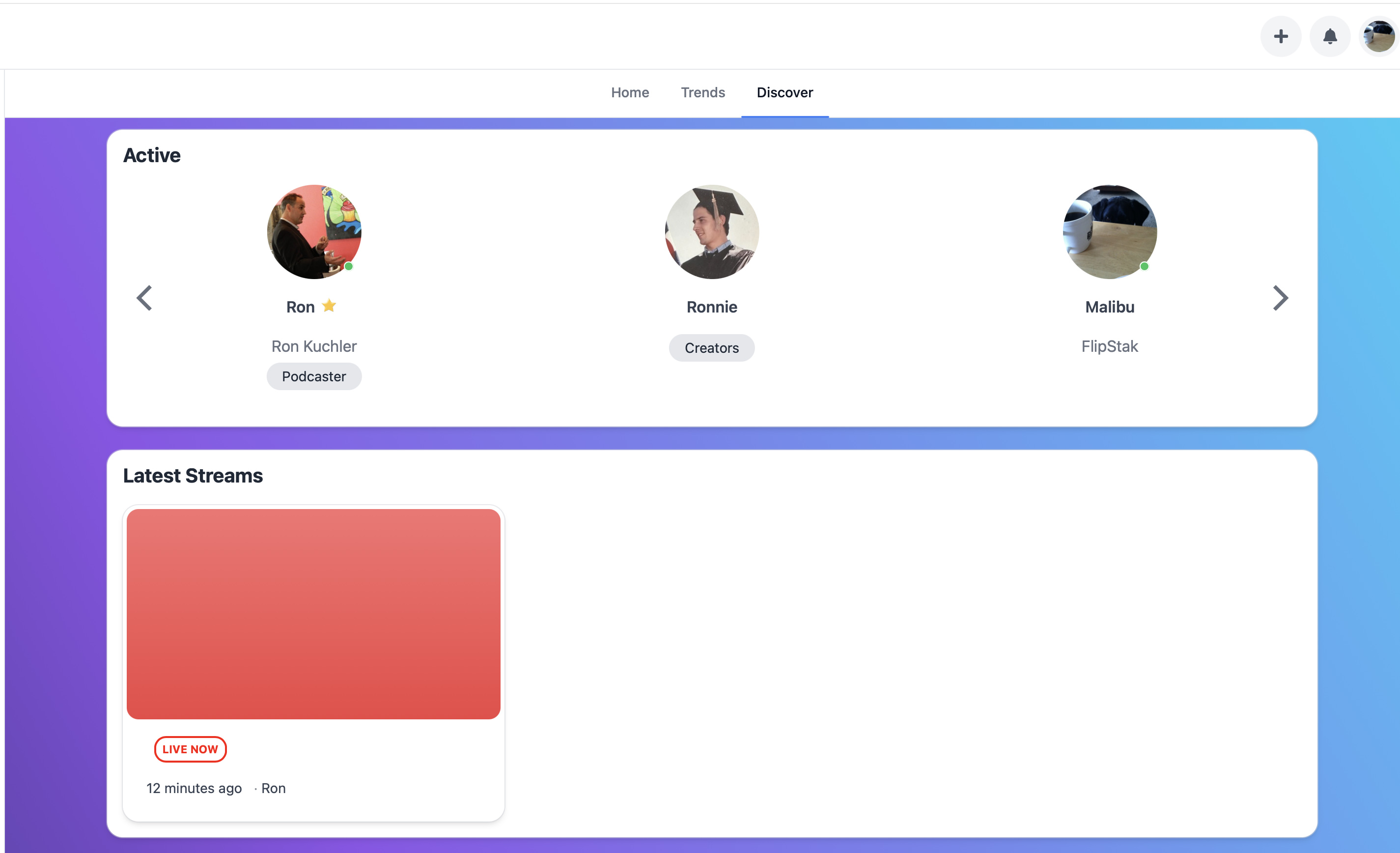
Streams has many flaws. Streams cannot be accessed within blocks. You have to either share the URL of the stream or click on a notification. It takes 3 to 4 steps to successfully initiate a stream. First, you go to a screen where you give it a title, set a category, visibility, then it takes you to a screen which seems entirely worthless as all it does is give you instructions to choose a method to stream. Then once you choose, it takes you to a screen where you have the option to start streaming. From there, a share button appears that you click that gives you the URL to stream or the option to embed the stream. The stream also appears in blocks that I am sharing here but the stream inside these blocks is inactionable meaning you cannot click on the stream to view. You have to tap the notification alert to see. A very poorly designed solution by UNA. I do not recommend in its current architecture.
-
Streams is working in par with Groups based modules. For example with Events, you can schedule streams event in Events module and insert stream embed into Event description, or you can insert embed in Courses for students. Also it can be used externally as it give you embed code to use anywhere.
-

@Brand Harbor I see that Stream is working for you now, so it wasn't UNA CMS's fault, as you wrote in another post, right? You clearly still don't understand how it works and are blaming others for your mistakes. That doesn't reflect well on you...
-

Alex, we tried on multiple attempts to stream, and it was not appearing in Live streams. We generate a stream but it did not appear anywhere. We will try again this weekend to replicate your success. TY
-
You do not know the background or the number of messages sent that were not replied. Unfortunately, we had to say something publicly to get a response to private messages. As far as your comment implying we don't know how it works. We know very well how it works. And it was working until additional programming work was done in an effort to record streams.
-
Alex update. These are the steps we take to create a Stream. We click on our site Create Stream (Go Live). We fill in the title, set the visibility to Public. Click Publish. Then on the stream page we scroll all the way down and click Start Live Stream. Then on the next page we click Start Streaming. And the stream appears nowhere where we have placeholders for Live Streams - the Member Profile or our Discover Page. Now, it worked once before as these screenshots indicate and then there was programming done to try to get the recording to work and it stopped showing streams. And of course there is no tool to record either. So, what are we doing wrong to get a Live Stream to appear?
-
You're right, I don't know the context of your communication with someone on the team, as you mentioned, but based on your public posts, I have an idea of how you've responded and communicated. Patience is the key to success. AlexT will certainly be happy to help you when he has time, but based on what you've described, your OME server.xml file is configured incorrectly.
-
-
14.0.0
-
In this case Streams module could not work correctly (depending on OME version), so it's better to upgrade to latest UNA 15.0.0-B1 version to make it work with recent versions of OME.
-
So, it was working before B1. Upgrading is not an option. Again, we paid UNA to do the job.
-
Options are - install very old OME version which work with UNA old version, or install latest version of OME and UNA 15.0.0-B1 or newer. Please confirm your preference, I will ask @Igor Lebedev to proceed.
-
As upgrading is not an option, our only choice is to install an old verison of OME
-
Hi Brand, I've resolved the issues you were experiencing with the stream server. It turned out the main cause was the expired SSL certificate for staks.tv.
I’ve now fully automated the renewal process, so you won't need to worry about this in the future. I also improved the way the certificates are mounted into OvenMediaEngine, so the system now handles updates and reloads automatically without any manual intervention required.

